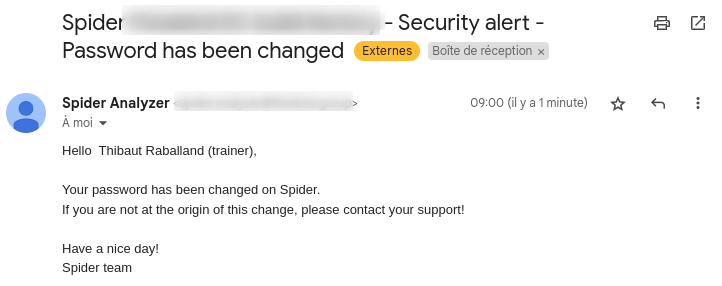
Password recovery / reset
A user who forgot its password may ask for a reset link on the login screen.
info
This is not possible for users connecting with LDAP
Process
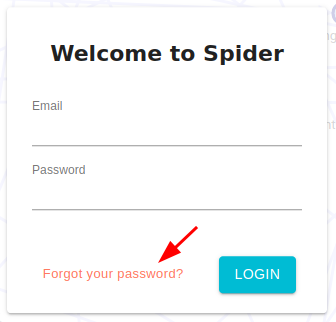
- On the login screen, click on
Forgot your passwordbutton
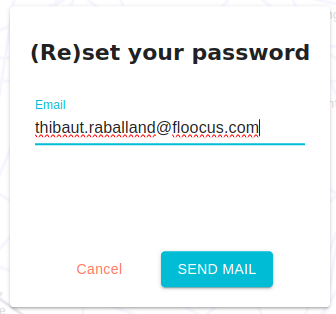
- In the new form, enter - or validate - your email address
- You will receive an email with a link to reset the password. The link is valid only once, and 15 min.
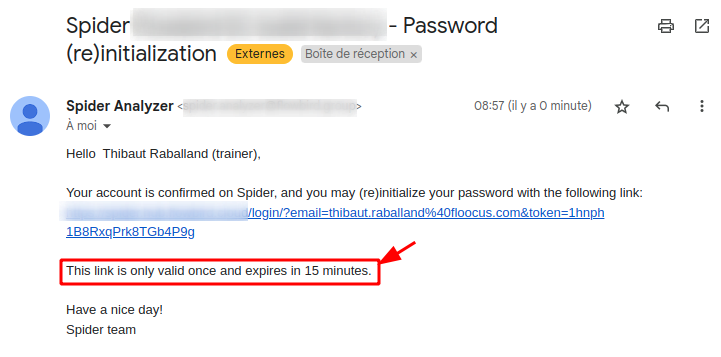
- Clicking on the embedded link brings you to a reset password form to enter a new one.
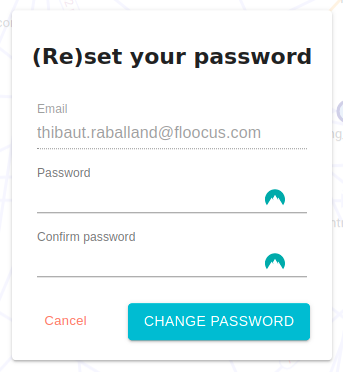
- When validated, you will receive a confirmation email.